Why isn't the Hyperscribe button appearing in my note header?
Last updated: November 18, 2025
If you have installed Hyperscribe, a button will appear in the header of all checked-in notes allowing you to start a session.
If the Hyperscribe button is not appearing in your header, first check to see if the note has been checked in:
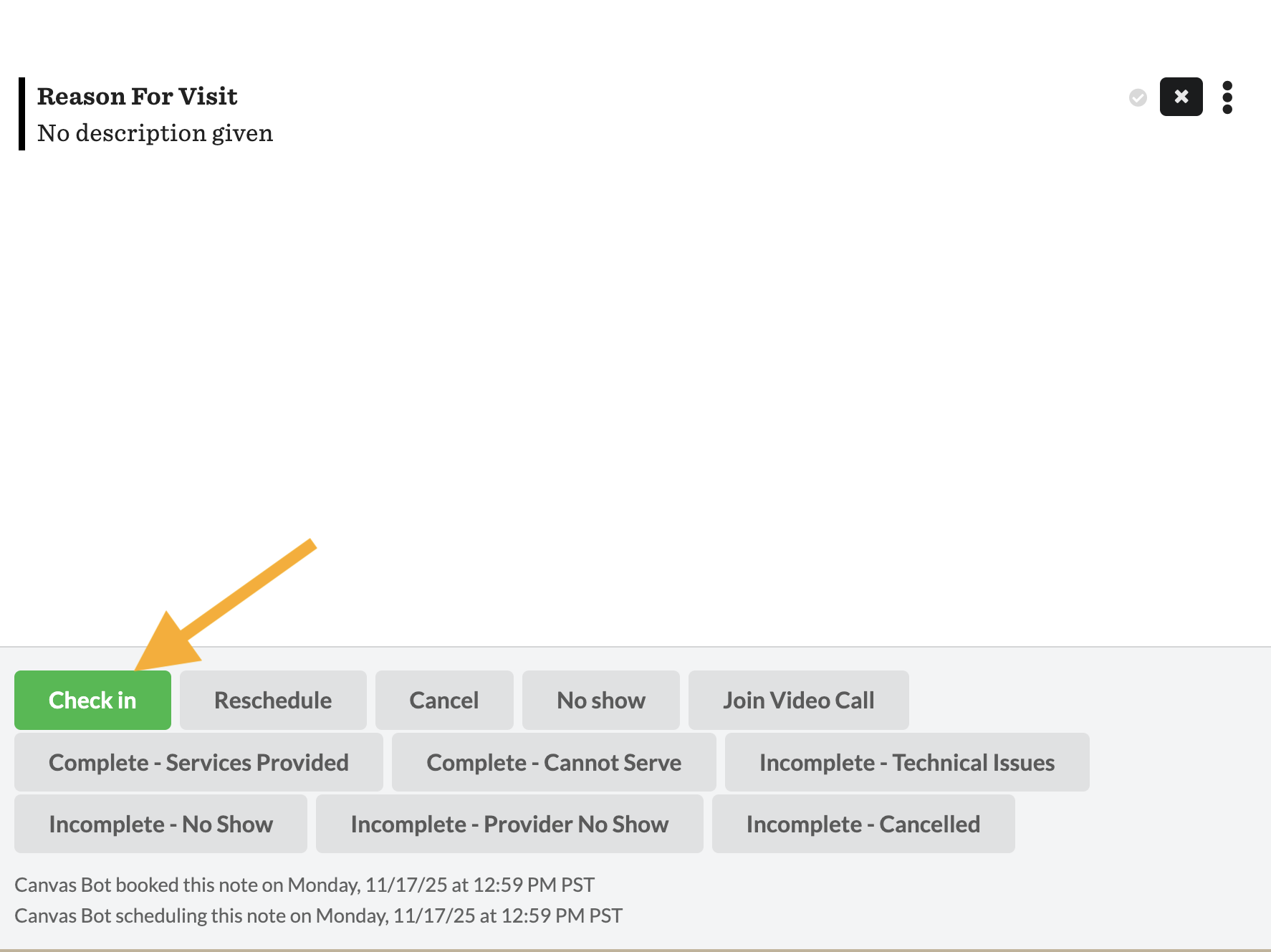
If the note has been checked in Hyperscribe button still does not appear in the header, navigate to Settings > Plugin_IO > Plugins to confirm that Hyperscribe has been installed.

If Hyperscribe needs to be installed or the button still does not appear, email ai@canvasmedical.com for next steps.